The library
Every capture and every local folder in one grid — thumbnails, page counts, and who's currently hosting. Filter to any client in a keystroke.
v2.1.0 · free & open source
SiteSlurp Studio pulls any website — React, Next, anything — into clean editable files and hosts it on your machine. One studio for every client site you manage.
Windows 10/11 · No Node, no CLI, no setup

How it works
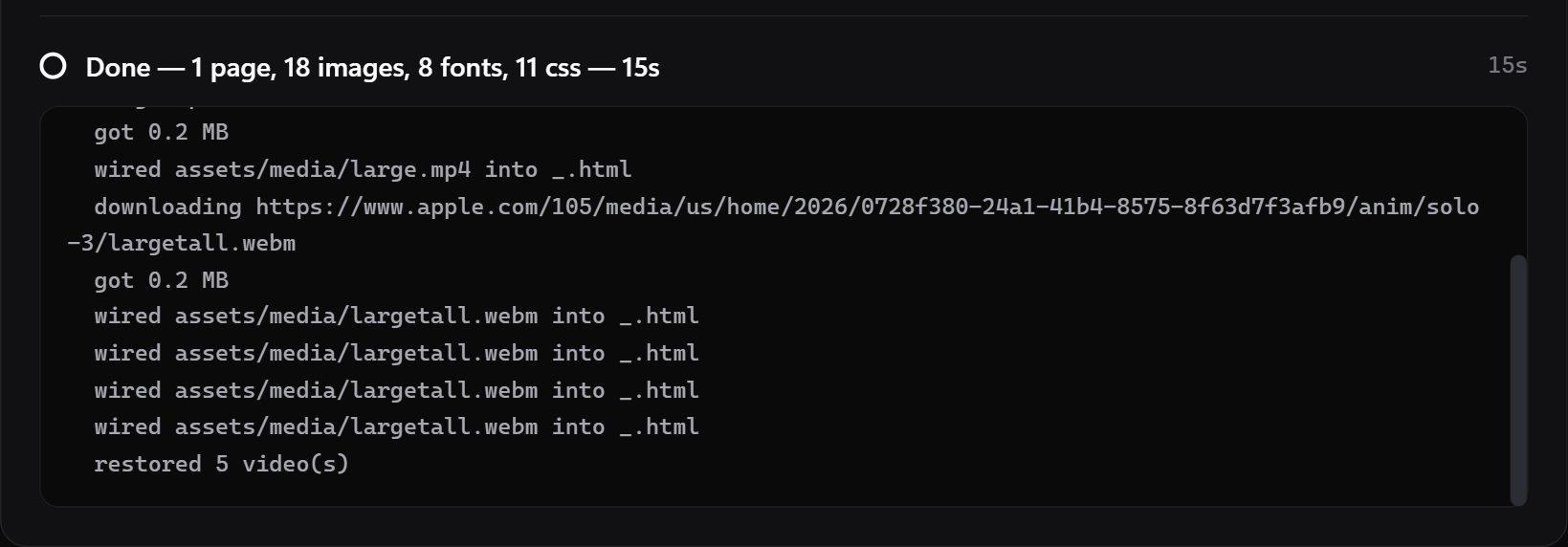
Paste any URL. A real browser renders the site — JavaScript and all — then saves every page, style, image, font and video. SPA-proof, cookie-banner-proof.

One click explodes the snapshot into tidy HTML, CSS and assets you can open in any editor. Styles get their own files, duplicates are deduped, videos are re-wired.
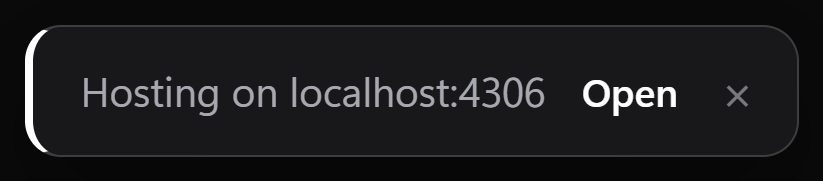
Live at localhost the second extraction finishes — real homepage first, live reload on save. Edit, restyle, redeliver.
The studio
Built for people who maintain other people's websites: extract the current site, work on it locally, keep the whole roster a click from running.
Every capture and every local folder in one grid — thumbnails, page counts, and who's currently hosting. Filter to any client in a keystroke.
Each site keeps its own port across restarts. Click Host, get a localhost address, and watch edits appear the moment you save.
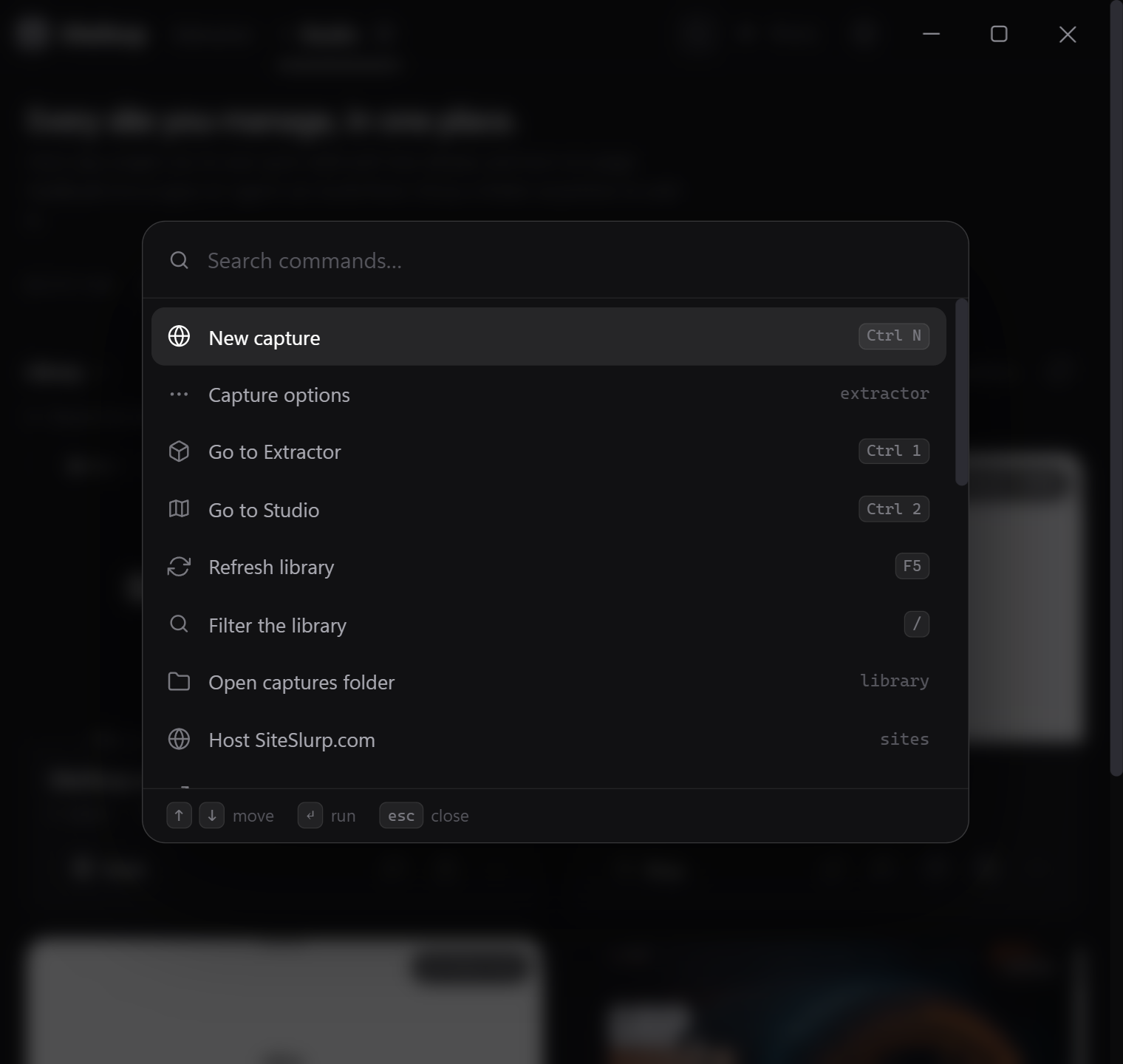
Hosting, settings, zoom, any site in the library — the whole app is one keystroke away. No menu bar, no digging.
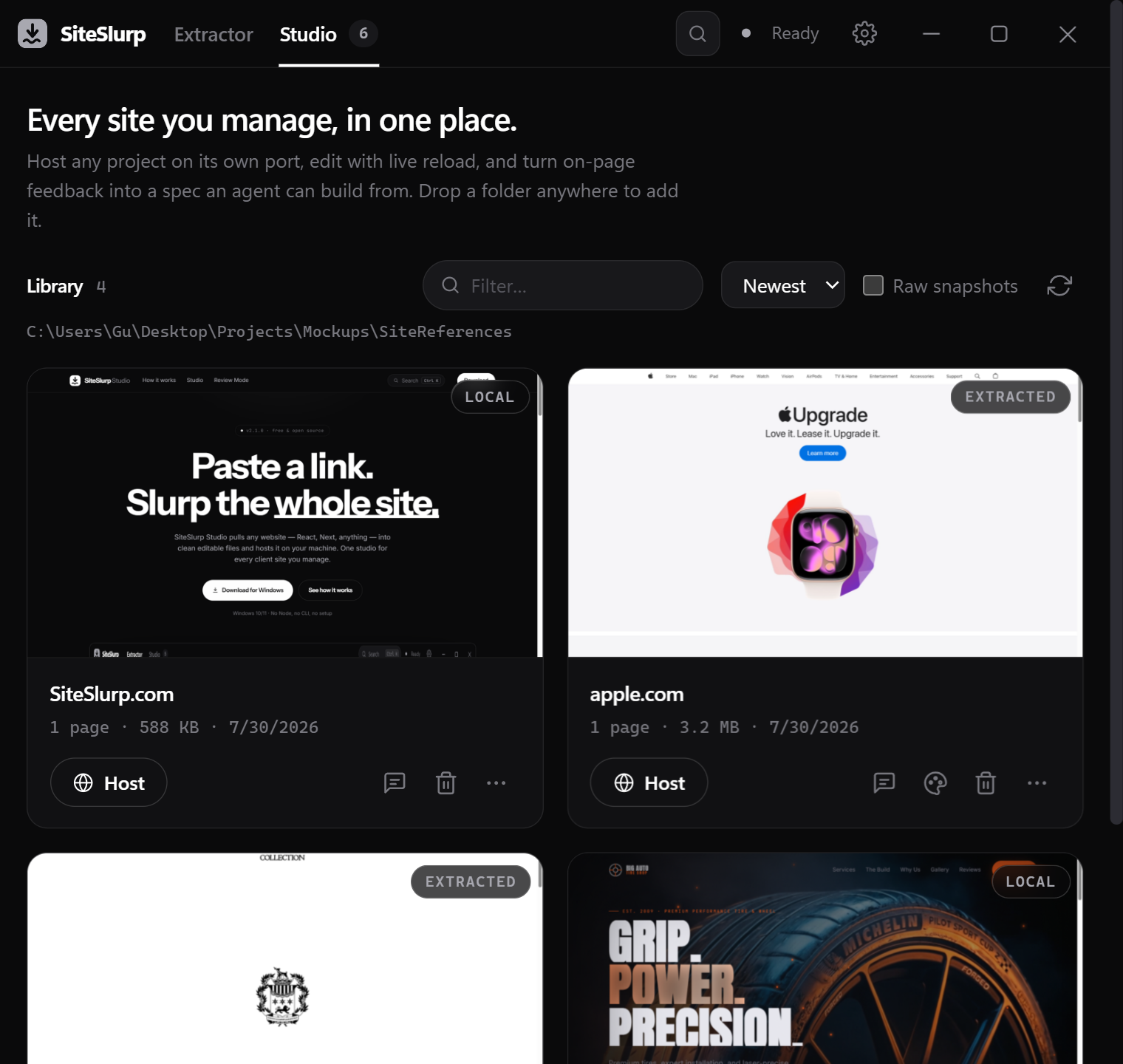
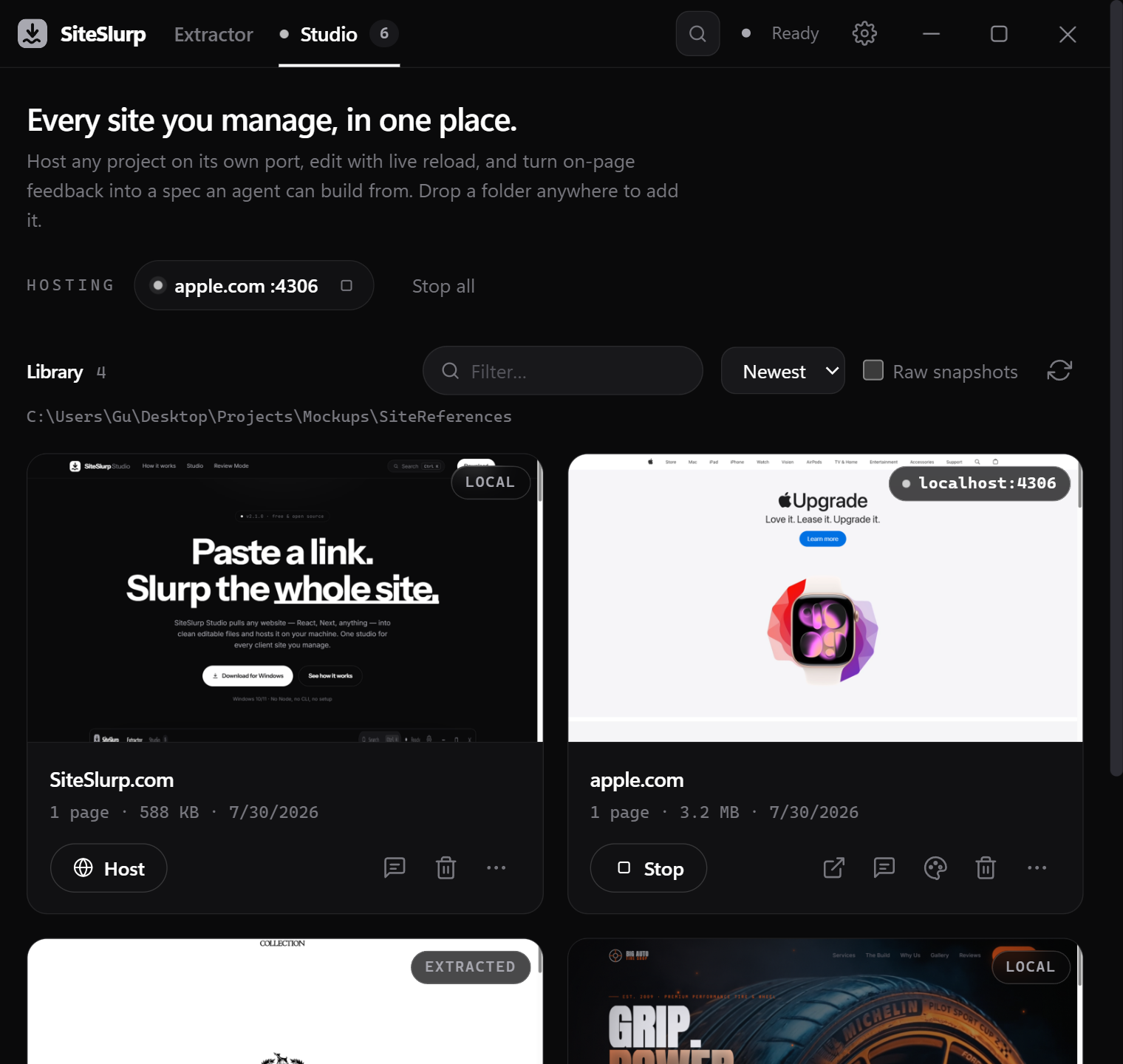
Real screenshots, straight out of the app.
Drives actual Chromium, so JS-heavy sites fully render before they're saved.
Depth 1–5, desktop or mobile, with cookie banners stripped on the way through.
Scan a site's colors, pick a swatch, replace it across every css, html and svg file. Always undoable.
Sources the capture engine drops get downloaded and wired back in, muted for autoplay.
Export a folder, open it in VS Code or Explorer, or push it straight to deploy.
The capture engine ships inside the app. No Node, no npm, no command line.
Review Mode
Walk the hosted site like a client would. Select any element, write what's wrong and what you want instead, score it out of ten.
SiteSlurp compiles the session into REVIEW.md — selectors, computed styles, screenshots, even the source file and line — a document an AI coding agent can act on without guessing.
“Way too small on mobile — want it bold, ~44px, more room to breathe.”
## [SHOULD-FIX] .hero h1 — 4/10
**File:** css/main.3f2a.css:112
**Current:** Inter 600 · 28px/34px
**Want:** bold, ~44px, more space
Download
Both builds are the full app. Nothing else to install — the capture engine ships inside.
SiteSlurp-Setup-2.1.0.exe
Start-menu and desktop shortcuts, clean uninstall. Per-user, so no admin prompt.
Download installerSiteSlurp-2.1.0-portable.exe
One file, zero traces. Run it from a USB stick or a locked-down machine.
Download portableWindows 10/11 (x64) · needs any Chromium browser — Edge, already on your PC, counts · MIT-licensed